Take control of any machine, anywhere — instantly.
A friendly, blazing-fast way to give your support agent secure remote access to your laptop or PC. No sign-up. No cost. You can also access and control your Windows PC directly from your Android phone, anytime, anywhere.
● Live session
agent@buddy connected
Why you'll love it
The good stuffLightning connect
Share a 11-digit code and you're in. Handshakes land in under two seconds on any connection.
Bank-grade secure
End-to-end 256-bit encryption on every frame and keystroke, so nothing is ever left exposed.
Windows + Android
Support laptops, desktops and phones from one place — the client runs everywhere that matters.
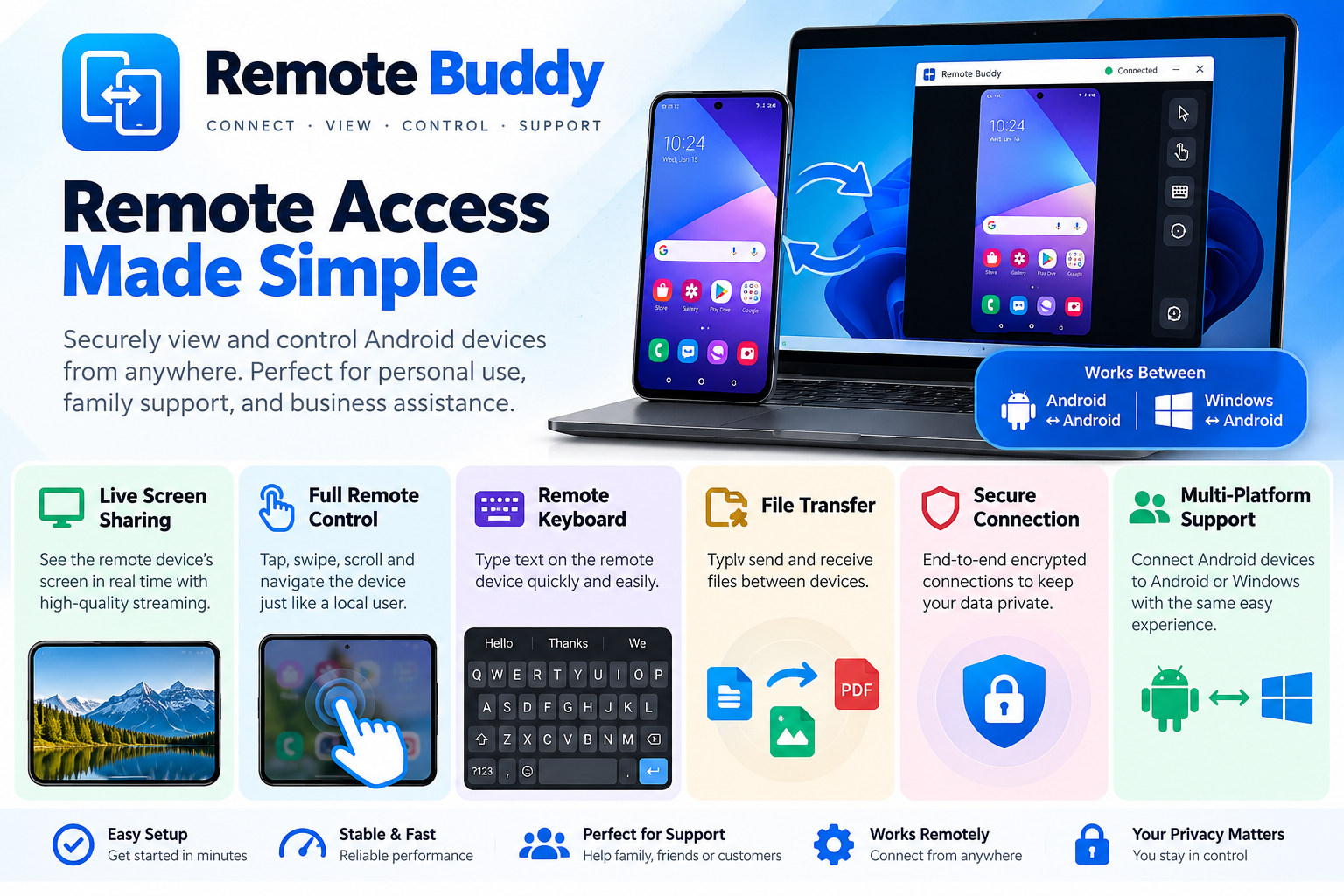
Remote Access Made Simple
One free app, every tool you need to reach and control a remote machine — from a phone or a laptop.
Access your PC from anywhere
Reach your machine over any network, no matter where you are.
Secure encrypted connections
Every session is locked down with end-to-end encryption.
Simple Remote Buddy ID
Share a short ID and connect — no IPs or setup to fuss with.
Real-time remote desktop
See and drive the remote screen with near-zero lag.
Full mouse control
Click, drag and scroll on the remote machine as if you were there.
Remote keyboard control
Type into the remote desktop from your own keyboard.
Android-to-Windows remote access
Control a Windows PC straight from your Android phone.
Android-to-Android remote access
Take control of your Android mobile from your Windows PC or another Android mobile.
Automatic screen scaling
The remote display resizes itself to fit your screen perfectly.
Accept / Reject connection requests
Stay in charge — approve every incoming connection yourself.
Unattended access
Connect to your own trusted machines anytime, no one needed at the desk.
Secure device authorization
Only devices you've approved can ever reach your machine.
Fast relay-based connectivity
Relays route you around firewalls and NAT for a fast, instant link.
Full-screen mobile remote control
Take over the whole phone screen for distraction-free support.
One-tap disconnect
End any session instantly and cleanly with a single tap.
Free to download. Free to use.
Get RemoteBuddy on the machine you want to support. That's the whole price tag: zero.
RemoteBuddy
Install on the machine you want to support. Runs quietly and waits for an agent to connect.
Download · .exev1.0.4 · 37.4 MB · Windows 10/11
RemoteBuddy
Install on the Android phone you want to support. Pairs instantly with an agent for on-the-go remote help.
Download · .apkv1.0 · 8.0 MB · Android 8+
Free to download. Free to use.
No credit card, no trial, no catch. Just download, connect, and fix the machine on the other side of the world.
v1.0.4 · 37.4 MB · v1.0 Android · 8.0 MB · Works offline after install · No credit card, no trial, no catch
Frequently asked
Is RemoteBuddy really free?+
Yes. RemoteBuddy is free to download and free to use — for personal and commercial support. No watermarks, no time limits, no hidden upgrade.
Which platforms are supported?+
RemoteBuddy runs on Windows 10 and 11. Install it on the machine you want to support, then connect from your browser or device.
Do I need an account?+
No. Install RemoteBuddy on the machine you support, share its 6-digit code, and you're connected in seconds.
Is the connection secure?+
Every session is protected with end-to-end 256-bit encryption. Nothing is stored on our servers — the connection is peer-to-peer wherever possible.